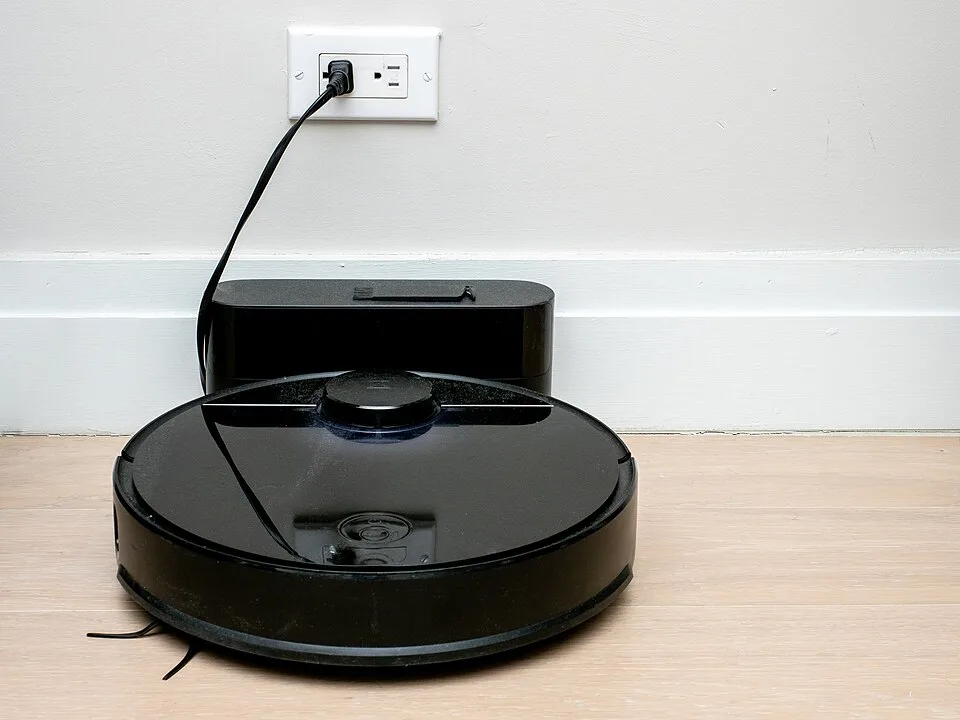
A robot vacuum that does not charge is not always a battery problem. The dock may not receive power, contacts may be dirty, the adapter may fail, or the software may freeze. For a technical inspection, contact our small appliance repair service.
Because robot vacuums are used daily, this issue has become common. If it repeats, a small appliance technician should check the charging path.
The robot may return to the dock but not charge, the indicator may stay off, or the app may show no battery increase. Sometimes it docks, disconnects, and reports an error.
If the robot works only for a few minutes and turns off, battery wear is possible, but the adapter and contacts should be checked first.
Dirty or oxidized charging contacts are a simple and common cause. Since the robot moves through dust and moisture traces, the contact surface can weaken over time.
You can explore other repair and maintenance services on the 166 Usta homepage.
Adapter failure, dock-board fault, battery cell wear, or software error are more serious causes and require measurement tools.
Check whether the dock is plugged in, the adapter cable is not damaged, and the charging contacts look clean. You can wipe contacts with a dry soft cloth.
Do not open the battery, adapter, or dock board. 166 Usta can test the charging path safely.
Call a technician if the robot does not charge at all, the adapter overheats, battery drains very fast, or the app shows repeated charging errors. The dock or battery may be faulty.
The technician checks adapter output, dock contacts, battery condition, and charging control. Correct diagnosis helps avoid unnecessary battery replacement.
Keep the dock on a flat dry surface, clean robot contacts regularly, and avoid storing the appliance with a completely empty battery for a long time.
To arrange help from our small appliance repair service, call +994 50 274 92 92 or +994 50 274 92 92, or use our contact page. Describe the problem and provide your address so we can clarify the work and a suitable appointment time.